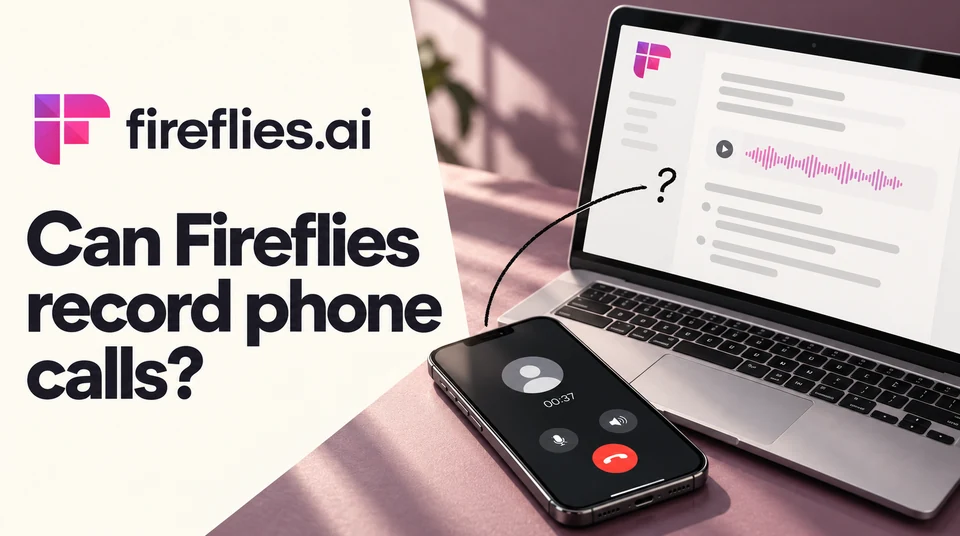
Not directly on your phone. The Fireflies mobile app records in-person conversations and joins online meetings, but Fireflies describes no way for it to record a regular call on your iPhone or Android. It supports two other routes: take the call on your computer, where the desktop app captures the audio, or use a business phone system such as Aircall, RingCentral or Zoom Phone, whose recordings Fireflies imports after the call.
Record on the line instead. Epocra is a calling app, so both sides of every call on your normal number are recorded from the moment it connects, with no computer and no separate phone system. Shortly after you hang up, the transcript, the summary and your follow-ups are waiting in the app.
Disclosure: we make Epocra. Everything said about Fireflies comes from its own help center, pricing page and app store listings, checked on 14 October 2026.
See it in action
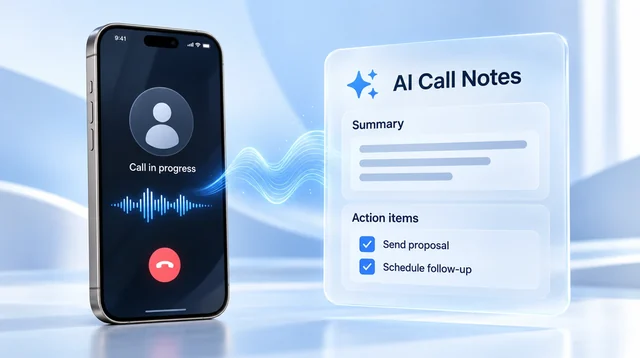
A phone call, written up
An interactive demo, not a video. A regular call on your own number ends, and a few minutes later the recording, transcript and summary are waiting.
- On your phone: no computer and no separate phone system
- Incoming and outgoing: recorded from the moment the call connects
- Summary and action items: written for you after every call
Why the mobile app cannot hear calls
Fireflies works by being in the room. In an online meeting its bot, which shows up as “Fireflies.ai Notetaker,” joins as a participant and listens. On your phone, the app records what the microphone hears, joins live meetings, or takes files you upload. The Fireflies mobile guide lists those three things and nothing about phone calls.
A regular call is handled by the phone itself, and neither iOS nor Android lets an app listen to it. So Fireflies cannot hear your calls from the phone, which is the same reason Otter cannot. What Fireflies offers instead is two ways to get the call somewhere it can hear it.
Route 1: take the call on your computer
The Fireflies desktop app can record without a bot by capturing your computer’s sound. Its help center says that includes phone calls you take on the computer:
- Mac: it supports iPhone calls. Turn on Calls from iPhone, answer or place the call on the Mac, and Fireflies captures it through the system audio.
- Windows: it supports Android and iPhone calls. Pair the phone with Microsoft Phone Link and take the call on the PC.
It works, with conditions. You have to be at the computer, the call has to go through it rather than the phone in your hand, and Fireflies notes that this mode does not save a separate audio file. A call you take in the car or on a walk is not covered.
Route 2: a business phone system
If your calls run through a business phone system, Fireflies can pick them up from there. Its supported dialers are Aircall, JustCall, Outreach, Quo (formerly OpenPhone), RingCentral, Salesloft and Zoom Phone, with others possible through Zapier.
The important detail is how it works: Fireflies imports the recordings the phone system has already made. Its Zoom Phone guide says it can only import recorded calls, longer than a minute. So the phone system has to be set to record, and someone has to pay for that phone system as well as Fireflies. Paid Fireflies plans include up to 3,000 dialer minutes per seat each month, then a cent a minute.
Either way, the call has to leave your phone first: onto your computer, or onto a company phone system. The ordinary call on your own mobile number stays out of reach.
What it costs
Fireflies Free is $0, with limited transcription and 400 minutes of storage. Pro is $10 per seat a month billed yearly, or $18 monthly. Business is $19 yearly or $29 monthly, and Enterprise is $39 yearly. Integrations, including the dialers, are on Pro and above. For the dialer route you also pay for the phone system. Fireflies is rated 4.8 on the App Store and 4.6 on Google Play, with more than 500,000 Android downloads; for meetings it is a well-liked tool.
Consent and notice
In online meetings the Fireflies bot posts a chat message saying it has joined, and the desktop app’s consent options are on by default, including an audio notice a few seconds in and an “AI Taking Notes” label on your camera. Fireflies warns that recording without consent can break privacy laws, and that if you turn the notices off, telling people is your job. The rules for a call depend on where you and the other person are; they are in call recording laws by state.
The voiceprint lawsuits
Fireflies is a defendant in some of the first lawsuits over AI note takers and voiceprints under Illinois’s Biometric Information Privacy Act. Cruz v. Fireflies.AI, filed in December 2025 in Illinois, alleges that its speaker recognition creates voiceprints of meeting participants who never signed up or gave written consent. Further suits against Fireflies were filed in 2026. These are allegations, and nothing has been decided. Why voiceprints have become the most litigated feature in this category is covered in our piece on Plaud and voiceprints.
Calls on your own number
Epocra handles the calls Fireflies cannot reach. It is a calling app: calls you make go out over its own line, and calls to your normal mobile number reach it through one carrier code. Both sides are recorded from the moment the call connects, on the phone in your hand, wherever you are. Speakers are labelled by the line each voice comes in on, not by analyzing voices.
After each call you get the recording, the transcript, a summary and the follow-ups as tasks, and you can ask questions across your whole call history. Each call opens with a recording notice unless you have turned it off in Settings, which you should only do where the consent rules allow it. Epocra starts with a free trial, then $24.99 a month. If your work happens in online meetings, Fireflies is cheaper and does that well. If it happens on your phone, Epocra is built for that.
Sources: Fireflies: recording without a bot · Fireflies: mobile app · Fireflies: dialer integrations · Fireflies pricing · Fireflies: consent · Epstein Becker Green on Cruz v. Fireflies.AI. Checked 14 October 2026. Fireflies is a trademark of its owner.
Frequently asked questions
Not from the phone. The Fireflies mobile app records in-person conversations and online meetings. To get an iPhone call into Fireflies, take it on a Mac with Calls from iPhone and let the desktop app capture it.
Through a Windows PC: pair the phone with Microsoft Phone Link, take the call on the computer, and the Fireflies desktop app records it.
Aircall, JustCall, Outreach, Quo (formerly OpenPhone), RingCentral, Salesloft and Zoom Phone, plus others through Zapier. Fireflies imports the recordings those systems make.
No. Fireflies relies on your computer or on a separate business phone system for phone calls.
Free is $0. Pro is $10 per seat a month billed yearly or $18 monthly, Business is $19 or $29, and Enterprise is $39 yearly. Dialer integrations need Pro or above.
Yes. Several lawsuits, starting with Cruz v. Fireflies.AI in December 2025, allege its speaker recognition collects voiceprints without the consent Illinois law requires. These are allegations; nothing has been decided.
Epocra records both sides of every call on your normal number from the moment it connects, on iPhone or Android, and writes the transcript, summary and follow-ups.
More in the Help Center: What gets recorded.
James Ritter
Founder of Epocra. Fifteen years in payments, now building call intelligence for people who run their business from their phone.
Keep reading